One-Time Charging SDK (CaaS)
Charge a specific amount once, for a single purchase or unlock.
Code, endpoints and integration detail.
The One-Time Charging SDK, which Digimart also calls CaaS (Charging as a Service) or on-demand charging, takes a single payment of a specific amount from a subscriber's Grameenphone mobile account. Use it to unlock a feature, sell a ticket, or top up in-app credits.
This is not a REST API
You build a signed URL in your own application and open it. Digimart owns every screen until it returns the subscriber to your redirectUrl, then posts you the result server-to-server.
How it differs from a subscription
Two things change, and nothing else:
- The path is
/sdk/subscription/caas-authorizerather than/sdk/subscription/authorize. - There is an
amount, and it is part of the signing string. This is the single most common reason a working subscription integration fails when it is copied across to one-time charging.
The amount is signed
The signing string is apiKey|requestTime|apiSecret|amount. If you sign only the first three values, every request comes back E1002 (Invalid Signature), because the amount must be encrypted under the signature.
What you can charge
A single transaction must fall between ৳1 and ৳600. Outside that range the platform returns E1330 (amount too low) or E1329 (amount too high). In practice your real ceiling is whatever credit subscribers keep on their phones, so E3009 (insufficient balance) is the failure you will see most often.
How to build the URL
Collect your credentials
The API Key and API Secret from your approved application. The API Secret only ever contributes to the hash; it never appears in the URL.Generate a unique 15-digit requestId
Reusing one is rejected withE1005.Take the current time in UTC
For example2024-07-08T10:33:54.929Z, generated in the Asia/Dhaka timezone.Sign four values, including the amount
JoinapiKey,requestTime,apiSecretandamountwith pipes, then hash with SHA-512.Assemble the query string and open it
Sendamountas a query parameter as well as signing it.
Building the signature
import { createHash } from "node:crypto";

const apiKey = process.env.DIGIMART_API_KEY;
const apiSecret = process.env.DIGIMART_API_SECRET;

const requestId = String(Date.now()).padEnd(15, "0").slice(0, 15);
const requestTime = new Date().toISOString();
const amount = "10";

// A one-time charge signs the amount too:
//   apiKey | requestTime | apiSecret | amount
const signature = createHash("sha512")
  .update(`${apiKey}|${requestTime}|${apiSecret}|${amount}`)
  .digest("hex");

const url = new URL(
  "https://user.digimart.store/sdk/subscription/caas-authorize"
);
url.search = new URLSearchParams({
  apiKey,
  requestId,
  requestTime,
  signature,
  amount,
  redirectUrl: "https://www.mywebsite.com",
}).toString();

res.redirect(url.toString());
The flow in full
/sdk/subscription/caas-authorizeOne-time charging (CaaS)
Also called on-demand charging. The shape is the same as a subscription, with two differences: a different path, and an amount that is both sent as a parameter and folded into the signature.
https://user.digimart.store/sdk/subscription/caas-authorize
Signing string
Join these values with pipes, with no spaces, then hash the result with SHA-512 and send the hex digest as the signature.
apiKey|requestTime|apiSecret|amountThe amount must be encrypted under the signature. Worked example from the tutorial: myApiKey123|2024-08-08T12:00:00Z|mySecretKey456|Amount, hashed with SHA-512.
Query parameters
| Name | Type | Required | Description |
|---|---|---|---|
apiKeysigned | string | Required | Displayed on the application you created in the Digimart portal. Copy it after an administrator approves the app.32c8a59cef446de3b78090d142ddac0e |
requestId | string (15 digits) | Required | A unique 15-digit identifier of your choosing. It correlates this request with the redirect response and the async notification. A requestId that has already been used cannot be reused for a new subscription.123456789012345 |
requestTimesigned | string (UTC) | Required | The current time in UTC format. Generate it in the Asia/Dhaka timezone (UTC+06:00): if you use a third-party library or a different zone, the value will not validate at our end.2024-07-08T10:33:54.929Z |
signature | string (SHA-512 hex) | Required | SHA-512 hash of the pipe-joined string apiKey|requestTime|apiSecret|amount. The API Secret is never sent in the URL, only its contribution to this hash. |
redirectUrl | string (URL) | Required | The page subscribers are returned to after a successful or failed transaction, reached when they press 'Back to Application'.https://www.mywebsite.com |
msisdn | string | Optional | The subscriber's mobile number. Optional. If supplied, the number-entry screen is skipped and the flow goes straight to the OTP screen.01748277168 |
amountsigned | number | Required | The amount to be charged.10 |
The URL you build
https://user.digimart.store/sdk/subscription/caas-authorize
  ?apiKey=32c8a59cef446de3b78090d142ddac0e
  &requestId=123456789012345
  &requestTime=2024-07-08T10:33:54.929Z
  &signature=0185e77e9cd469e0da58c6270eb838dc96af6e5c84f057405f3a62ea6979ac12491c47c69e0a42cab521b77b3b6409188304206c6308efa89c1971d0862ceda2
  &redirectUrl=https://www.mywebsite.com
What the subscriber sees
Digimart owns every screen below. You do not build any of them.
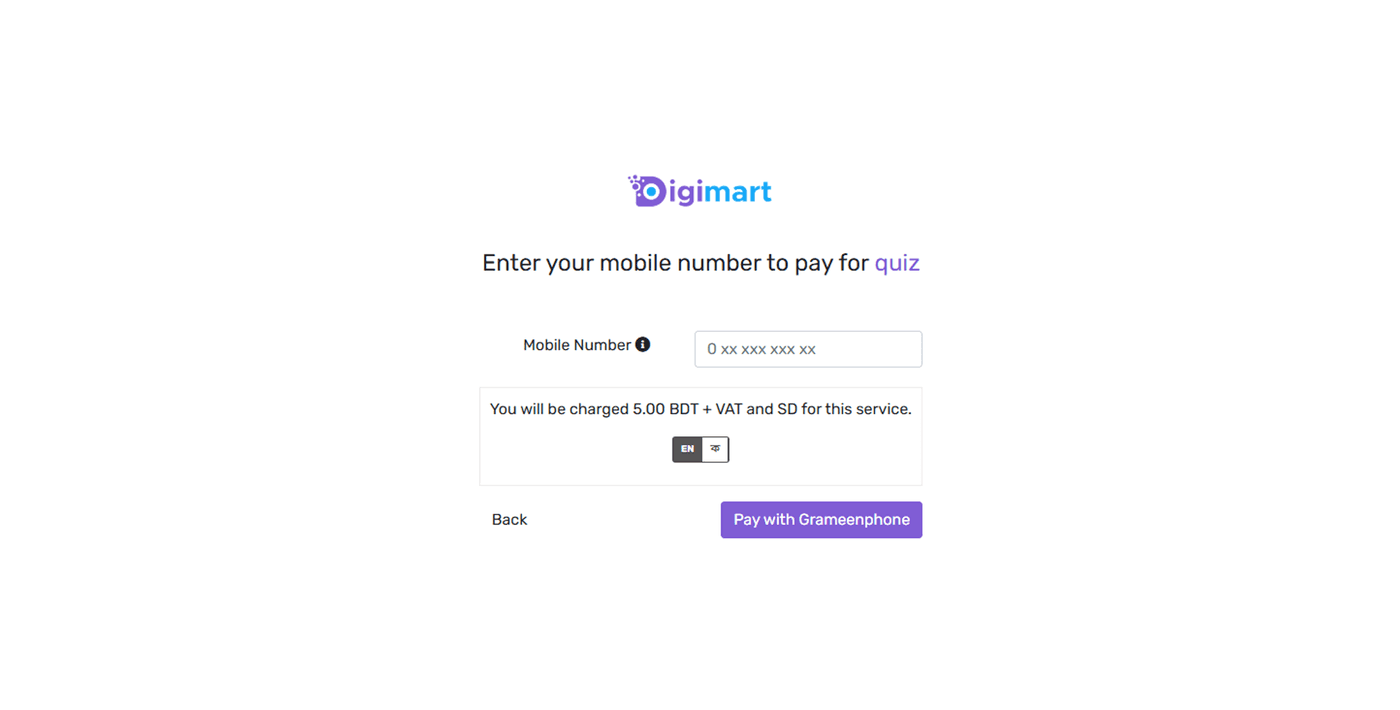
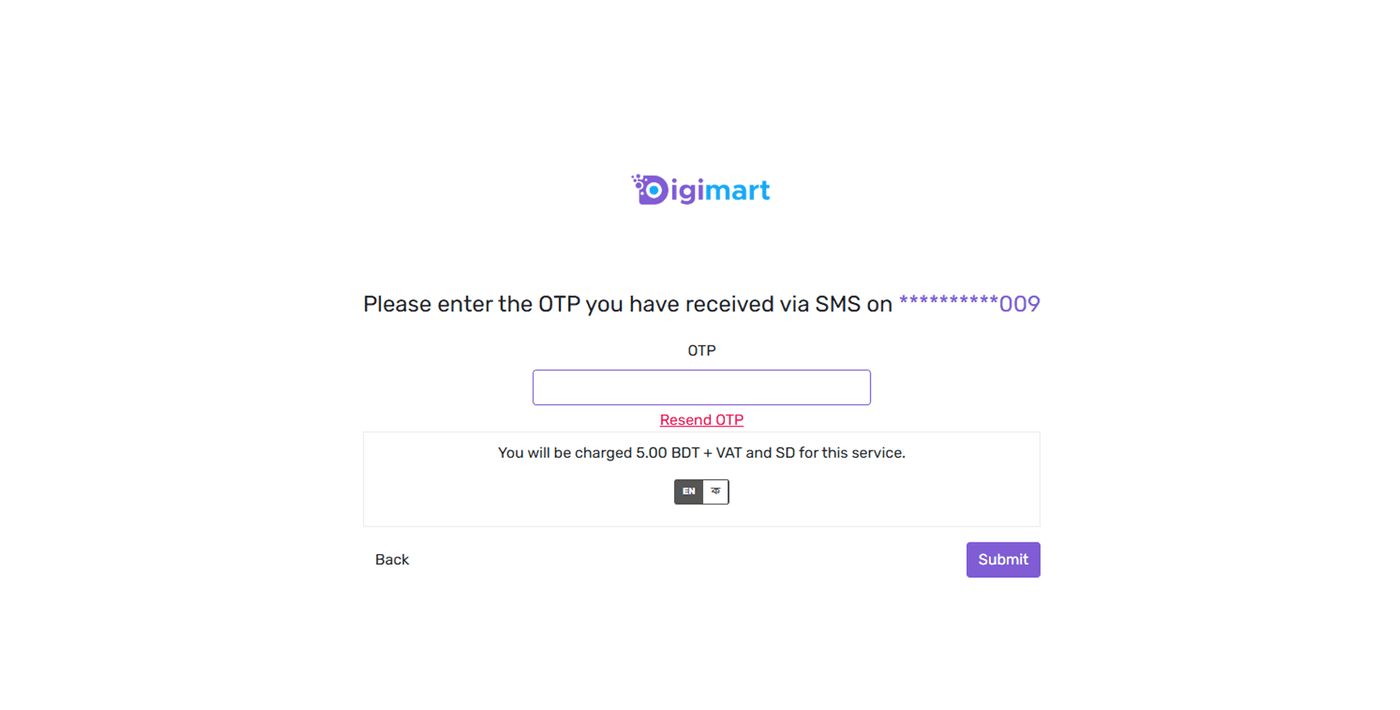
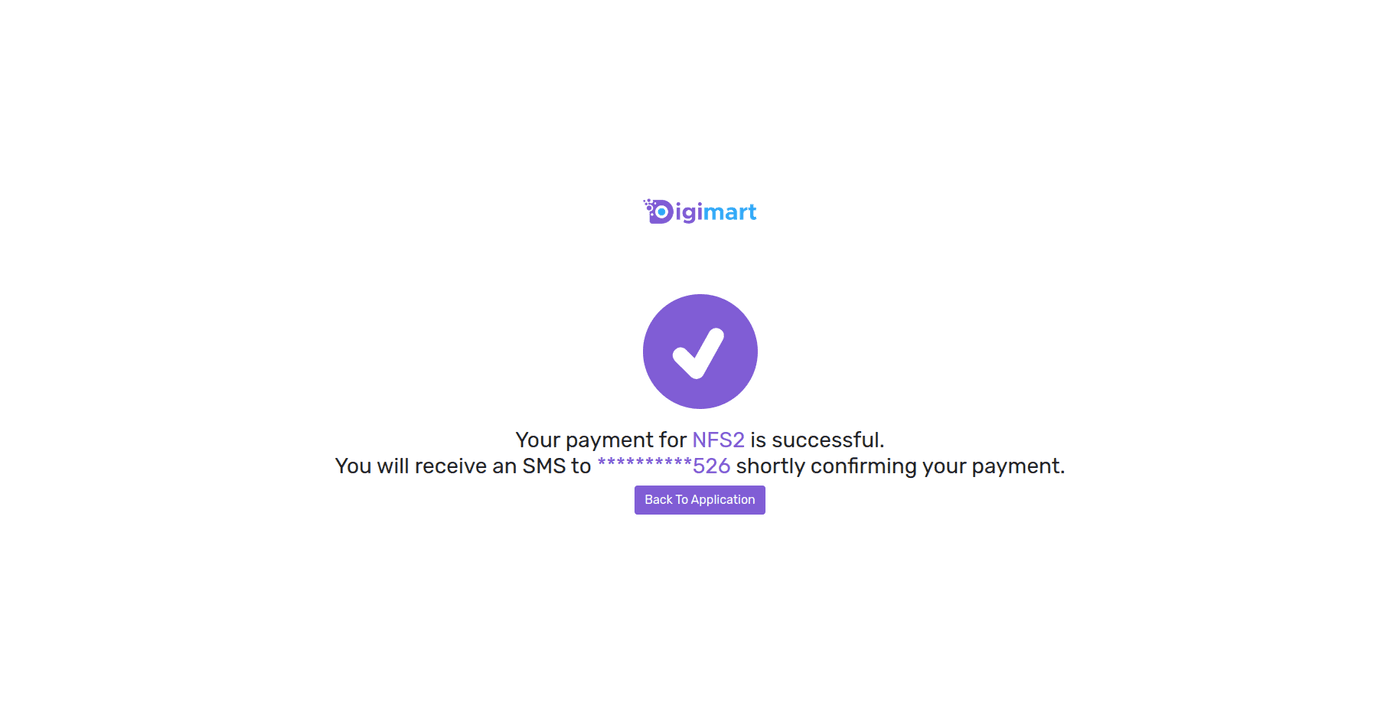
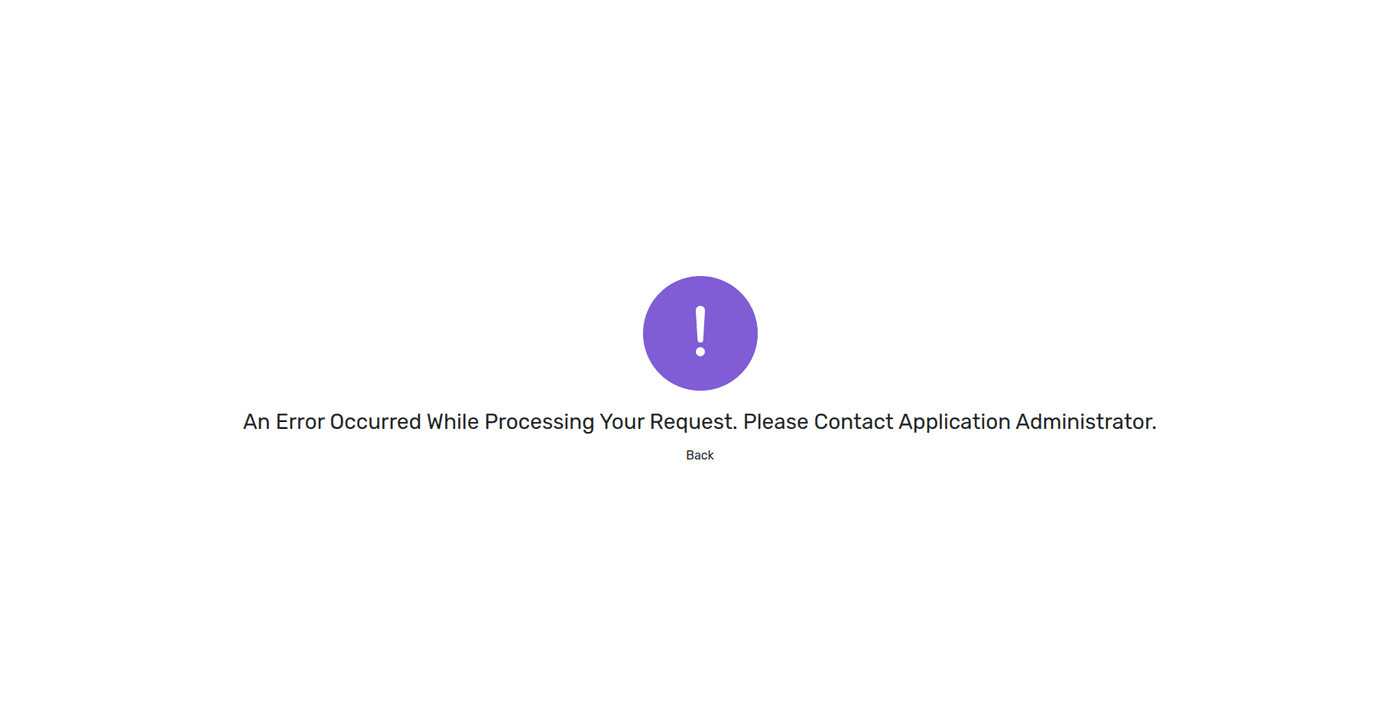
What comes back on the redirect
When the subscriber presses 'Back to Application' they are sent to your redirectUrl with these query parameters appended. This is a browser redirect, not a JSON body.
| Name | Description |
|---|---|
subscriptionStatus | Status code for the charge, either the success code or an error code.S1000 |
subscriberId | Masked number corresponding to the subscriber. |
requestId | The initial request ID you allocated when the Charging SDK transaction was triggered.123456789012346 |
http://user.digimart.store
  ?subscriptionStatus=S1000
  &subscriberId=ZjUyMTM1MjlhYmU0ZmJmY2FkYjRkYWI3NzE2ZDg0MjE0NjNjYTM5MGFhZTczOWZlZDUxMTcxN2U3YTVlZTRiNTpncmFtZWVucGhvbmU=
  &requestId=123456789012346
The async notification
Separately from the redirect, Digimart POSTs a JSON body to the endpoint you configured under 'Async charging resp URL' on your application. Treat this, not the redirect, as the record of the charge.
{
  "balanceDue": 0,
  "subscriberId": "ZjUyMTM1MjlhYmU0ZmJmY2FkYjRkYWI3NzE2ZDg0MjE0NjNjYTM5MGFhZTczOWZlZDUxMTcxN2U3YTVlZTRiNmU=",
  "statusDetail": "Request was Successfully processed, Due amount fully paid.",
  "version": "2.0",
  "timeStamp": "20240703090835",
  "totalAmount": "50.95",
  "requestId": "123456789012346",
  "currency": "BDT",
  "applicationId": "APP_000040",
  "internalTrxId": "924070309080000043",
  "paidAmount": "50.95",
  "statusCode": "S1000"
}
After the charge
As with subscriptions, the redirect is a convenience and the async notification is the record. Wait for statusCode: "S1000" on the notification before you hand over whatever the subscriber paid for, and reconcile it by requestId.
The notification carries totalAmount, paidAmount, balanceDue and internalTrxId. Compare paidAmount against what you asked for rather than assuming they match.